iOS Online Live Class by Experts
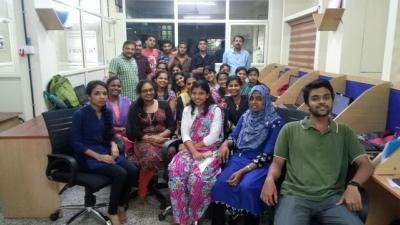
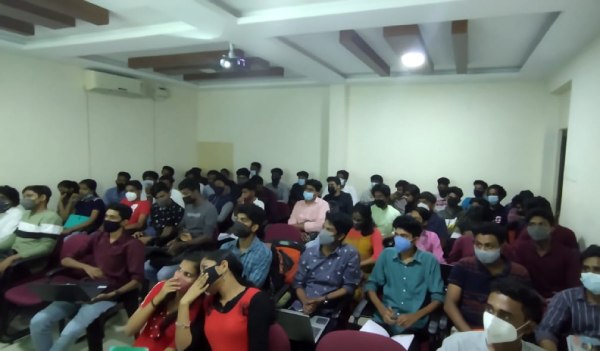
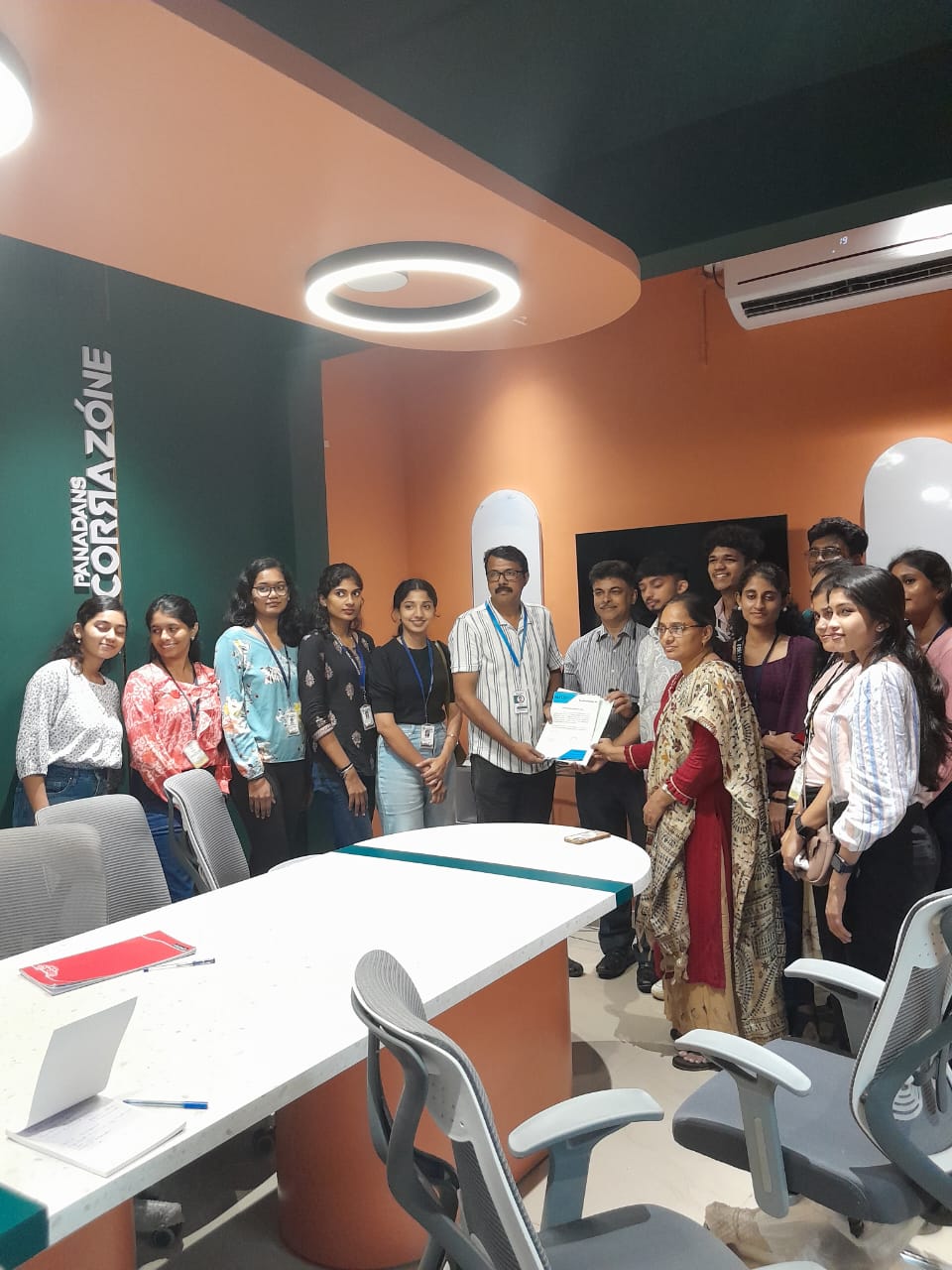
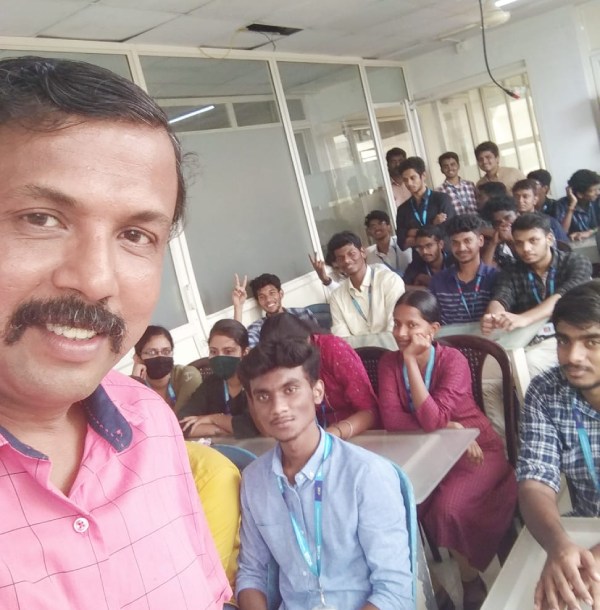
Our Training/Internship Process

iOS - Syllabus, Fees & Duration
-
iOS Development Environment
- Introduction to iOS SDK
- What’s new in iOS9
- SDK Tools
- What’s new in Xcode7
- Using XCode
- Using Interface Builder
- Using iPhone Simulator
-
Swift Language Basics
- Core Data Types
- String Type
- Tuples & Optional
- Constants & Variables
- Statements & Operators
- Control Flow & Decisions
- Functions
-
Basic Object Oriented Programming using Swift
- Structs
- Types versus instances
- Member and static methods
- Custom initialization & De-initialization
- Classes
- Initialization
- Methods
- Properties
-
Advanced Object Oriented Programming using Swift
- Optional
- Introducing optional
- Unwrapping an optional
- Optional binding
- Nested Types
- Generic Types
- Protocol
- Optional
-
Memory Management
- Reference Counting Basics
- Automatic Reference Count
- Retain Cycles
-
iPhone Application Basics
- Anatomy of an iPhone application
- Application Lifecycle and States
-
User Interface Programming– Basics
- UI Kit Framework
- XIB and Interface Builder
- Window & View
- Basic User Controls
- Labels, Text Fields, Buttons, Sliders, Picker etc.
- Building application screens
- Alerts and Action Sheets
-
Auto-layout and Constraints
-
View Controllers
- Basics
- Creating View Controllers
- Content vs Container View Controllers
- Orientation Management
-
User Interface– Special Views
- Image View
- Scroll View
- Table Views
- Populating and configuring Table View
- Data Source and Delegate
- Table View Cells
- Custom Cells
- Editing Table View
- Collection View
-
Multiple View Controllers
- Applications with Multiple Views
- Presenting View Controllers
- Animating View Switching
-
Storyboards
- Storyboard File
- View Controller and Scene
- Segue
- Invoking a Segue
- XIB and Storyboards
- Table View Cell Prototype
-
Multi Touch and Gestures API
-
Data Persistence - 1
- File System
- SQLite
-
Data Persistence - 2
- Core Data
- NS User Defaults
-
Concurrency and Background Execution
- GCD and Closures
- NS Operation and NS Operation Queue
- Background execution
-
Networking, Connectivity
-
Multimedia
This syllabus is not final and can be customized as per needs/updates
- Since 2001, Making IT Experts by Experts
- Duration: 80 Hours (Vary as per your skill)
- Course Fees
- Individual Live Classes (1:1)
- Batch Classes @ Low Fees
- Training on Your Time, Any Where
- Access to Recorded Videos
- Practical Internship on Projects
- 100% Placement Support by our jobsHybrid.com
- Training/Internship Certificate
- Agra
- Ahmedabad
- Alappuzha
- Aurangabad
- Bangalore
- Belgaum
- Bellary
- Bhubaneswar
- Chennai
- Cochin
- Coimbatore
- Delhi
- Dindigul
- Erode
- Gulbarga
- Guntur
- Gurgaon
- Haryana
- Hyderabad
- Idukki
- Indore
- Jaipur
- Kalyan
- Kannur
- Kanpur
- Kasaragod
- Kerala
- Kolkata
- Kollam
- Kottayam
- Kozhikode
- Lucknow
- Madurai
- Malappuram
- Mangaluru
- Mumbai
- Mysuru
- Nagpur
- Nashik
- Navi Mumbai
- Nizamabad
- Noida
- Palakkad
- Pathanamthitta
- Pune
- Punjab
- Salem
- Shimla
- Solapur
- Surat
- Thane
- Thanjavur
- Thirunelveli
- Thoothukudi
- Thrissur
- Tiruchirappalli
- Tiruppur
- Trivandrum
- Vadodara
- Varanasi
- Vellore
- Vijayawada
- Visakhapatnam
- Wayanad
Course Highlights

Our Locations

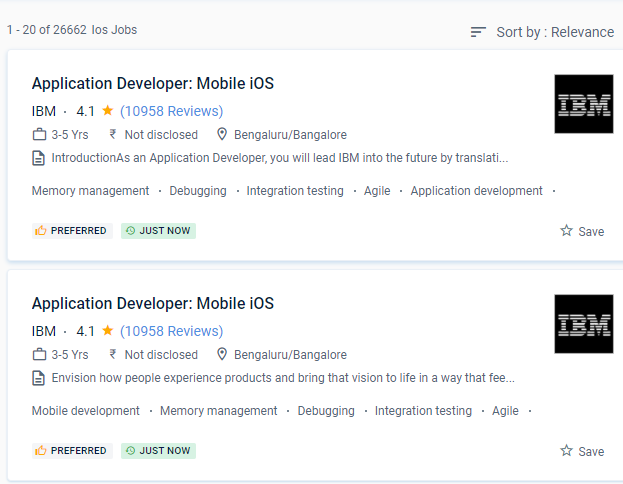
 Nestsoft offers the best iOS App Development training on-site with the most knowledgeable instructors.
The primary benefit of iOS app development is that it assists business owners in maintaining data privacy and user identity. Although it was the first mobile operating system to be published, it only supported Apple's devices, which had a significant impact on the number of users. It offers a variety of career possibilities, including iOS Developer, iOS Developer Flutter, Mobile Security Engineer, and others. The goal is to protect them from external security threats like malware, viruses, hacking, and other threats. Apps communicate with hardware through a set of well-defined system interfaces. It's also a reality that consumers who use an Apple iPhone have a higher paying capability than those who use an Android device. You are a brilliant app developer because of your extensive expertise and constant monitoring. In comparison to others, we provide the best iOS App Development Training Course at a very low rate. Start-ups and small enterprises looking for a quick return on their investment can explore iOS Application Development.
Nestsoft offers the best iOS App Development training on-site with the most knowledgeable instructors.
The primary benefit of iOS app development is that it assists business owners in maintaining data privacy and user identity. Although it was the first mobile operating system to be published, it only supported Apple's devices, which had a significant impact on the number of users. It offers a variety of career possibilities, including iOS Developer, iOS Developer Flutter, Mobile Security Engineer, and others. The goal is to protect them from external security threats like malware, viruses, hacking, and other threats. Apps communicate with hardware through a set of well-defined system interfaces. It's also a reality that consumers who use an Apple iPhone have a higher paying capability than those who use an Android device. You are a brilliant app developer because of your extensive expertise and constant monitoring. In comparison to others, we provide the best iOS App Development Training Course at a very low rate. Start-ups and small enterprises looking for a quick return on their investment can explore iOS Application Development.